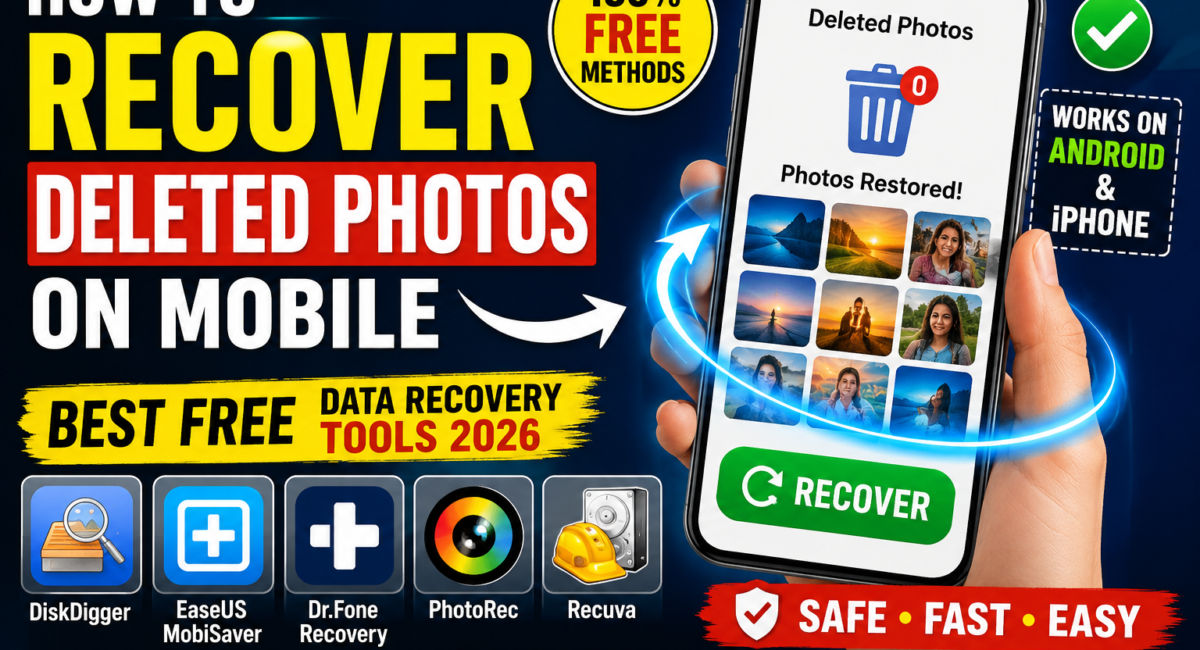
How to Recovery Deleted Photos on Mobile | Best Free Data Recovery Tools 2026
How to Recovery Deleted Photos on Mobile | Best Free Data Recovery Tools 2026
Have you accidentally deleted to important photos from your Android phone or iPhone, Dont panic In many cases, deleted photos can still be recovered if you act quickly, This guide explains the best free data recovery tools in 2026 and simple methods to restore lost pictures safely today
Recovery Deleted Photos on Mobile : Can Deleted Photos Be Recovered
Yes When photos are deleted, they are often moved to a the recycle bin or marked as removable instead of being erased immediately, Until new data overwrites the storage, recovery may still be possible
Your chances of recovery are higher if:
- You stopped using the phone immediately after deletion.
- You have cloud backup enabled
- The deleted files have not been overwritten, Recovery Deleted Photos on Mobile
Method 1: Check the Recently Deleted Folder
Android
- Open the Gallery or Google Photos app.
- Go to Trash And Bin.
- Select the deleted photos.
- Tap Restore
iPhone – Recovery Deleted Photos on Mobile
- Open the Photos app.
- Go to Albums – Recently Deleted.
- Select the photos.
- Tap Recover
Best Free Photo Recovery Tools (2026) – Recovery Deleted Photos on Mobile
1. DiskDigger
DiskDigger is one of the most popular Android recovery apps.
Features
- Recover deleted JPG and PNG photos
- No computer required for basic recovery
- Preview images before restoring
- Free version available
2. EaseUS MobiSaver
A beginner friendly recovery tool for Android and iPhone
Features
- Recover deleted photos, videos, and contacts
- Supports many mobile devices
- Easy to use interface
- Free recovery option
3. Dr Fone Data Recovery
A professional recovery solution for smartphones
Features
- Recover deleted images and files
- Works with Android and iPhone
- Supports SD card recovery
- Preview before recovery
4. PhotoRec
PhotoRec is a completely free and open-source recovery tool
Features
- Supports Android storage and SD cards
- Recovers multiple file formats
- No advertisements
- High recovery success rate
5. Recuva (For SD Cards)
If your photos were stored on a memory card, Recuva is an excellent free option
Features
- Recover deleted SD card photos
- Deep scan mode
- Easy recovery process
- Lightweight software
Top Free Mobile Data Recovery Tools Directory
Recover Photos from iCloud
For iPhone users:
- Sign in to your iCloud account
- Check Recently Deleted
- Restore available photos
- Restore from iCloud Backup if necessary
Tips to Increase Recovery Success
- Stop Taking New Photos immediately
- Avoid installing unnecessary apps
- Recover files as soon as possible
- Back up recovered photos immediately
- Use trusted recovery software only
Frequently Asked Questions
Can permanently deleted photos be recovered
Sometimes yes Recovery depends on whether the storage has been over written
Are free recovery tools safe
Most well known recovery tools are safe when downloaded from their official websites
Can I recover photos without root
Many apps can recover recently deleted photos without root access, Deep recovery may require additional permissions depending on the device
Does factory reset permanently erase photos
A factory reset greatly reduces the chances of recovery because it removes user data from the device
Accidentally deleting photos does not THE always mean they are gone forever, Start by checking your phone Trash or Recently Deleted folder, then use a trusted free recovery tool if needed, Acting quickly improves the chances of restoring your valuable memories
Use now this tips recovery your deleted images today now